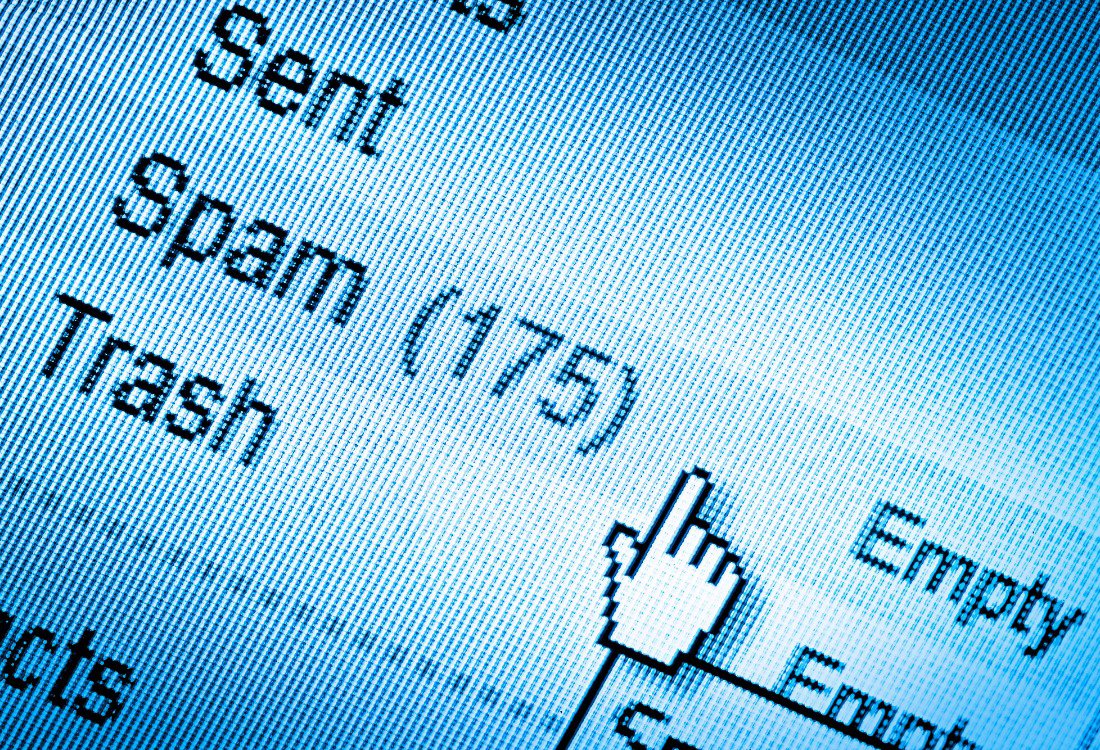
Spam emails are as old as email marketing itself. Despite significant tightening of the laws around Data Protection and consent, unsolicited sales emails are a daily nuisance for business users up and down the country. However, while many spam emails are simply an irritation, some can pose a significant threat to your company’s data security. Sometimes, spam is a scam dressed up as spam, and cybercriminals are constantly refining their methods, making scams increasingly difficult to detect. This means that your employees must remain vigilant and informed to avoid potential security breaches.
In this article, we’ll share practical tips to help you identify and handle spam emails safely, ensuring your workplace stays protected.
Spam emails, or junk mail, are unsolicited and typically irrelevant email messages sent in bulk to a large number of recipients. These emails are usually sent for commercial purposes, such as advertising products or services, but they can also be used for malicious activities like phishing or spreading malware. Many contain misleading subject lines or content to grab attention and, when opened, the emails may include malicious links, attachments, or attempts to manipulate the recipient into revealing sensitive information.
Spam emails often come disguised as legitimate messages, but a trained eye can often spot inconsistencies. Follow these straightforward steps to assess your emails without compromising security:
Preview before you click: Many email platforms, like Gmail, allow you to preview emails without opening them fully. Use this feature to check for red flags such as:
Analyse the sender’s email address: Fraudsters frequently imitate trusted brands or colleagues by tweaking email addresses. Always verify the address before acting. Watch for:
Be cautious of attention-grabbing tactics: Emails that use excessive exclamation marks, appeal to your emotions, or promise deals that sound too good to be true are often phishing attempts. Scammers hope to trick you into clicking before you’ve had time to think critically.
Ask yourself key questions: When in doubt, take a moment to question the email:
Even with the best preventative steps, some emails may still raise suspicions. In general, if something feels off, trust your instincts and send the email to the recycle bin. Don’t reply to suspicious messages. Replying can confirm to scammers that your email is active, potentially inviting further attacks. If verification is needed, find the contact’s official details elsewhere, and reach out directly through a verified method.
Most email providers also have a spam reporting feature. By marking the email as spam, you not only protect yourself but also improve the system’s ability to filter similar messages for everyone. And finally, when in doubt, consult with your IT team or MSP partners. Forward the email to your designated cybersecurity team; they will analyse the message and decide whether further action is necessary.
Reducing future risks requires a proactive approach from every member of your organisation, from the customer service desk to the boardroom. Regular cybersecurity training and the adoption of robust monitoring tools form the backbone of effective prevention strategies, and it’s important that everyone stays informed about the latest threats, as cybercriminal tactics evolve constantly. In particular, routine updates on phishing and malware techniques can significantly improve your team’s awareness. Whenever you receive requests involving financial transactions or sensitive data, make it standard practice to verify these independently, ideally through direct communication with the supposed sender. Prompt action is also vital — reporting any incidents without delay can prevent scammers from gaining access to your critical systems, databases, and applications. Lastly, always make use of security features such as two-factor authentication for business email accounts when available; this extra layer of defence can help protect your information, even if login details are compromised.
To find out more about staying safe while navigating the complex world of email communication, please contact the cybersecurity experts at Vantage IT today by clicking here.
Image Source: Canva
05/01/2026

